Moz Q&A is closed.
After more than 13 years, and tens of thousands of questions, Moz Q&A closed on 12th December 2024. Whilst we’re not completely removing the content - many posts will still be possible to view - we have locked both new posts and new replies. More details here.
Unsolved Temporary redirect from 302 to 301 for PNG File?
-
#302HTTP #temporaryredirect
Hi everyone,Recently I have faced a crawl issue with my media images on website. For example this page url https://intreface.com/wp-content/uploads/2022/12/Horion-screen-side-2.png has 302 HTTP Status and the recommendation is to change it 301. I have read the article on temporary redirections here:
https://a-moz.groupbuyseo.org/learn/seo/redirection?_ga=2.45324708.1293586627.1702571936-916254120.1702571936
but its not written here how to redirect in my HTML 1 image url not the landing page.
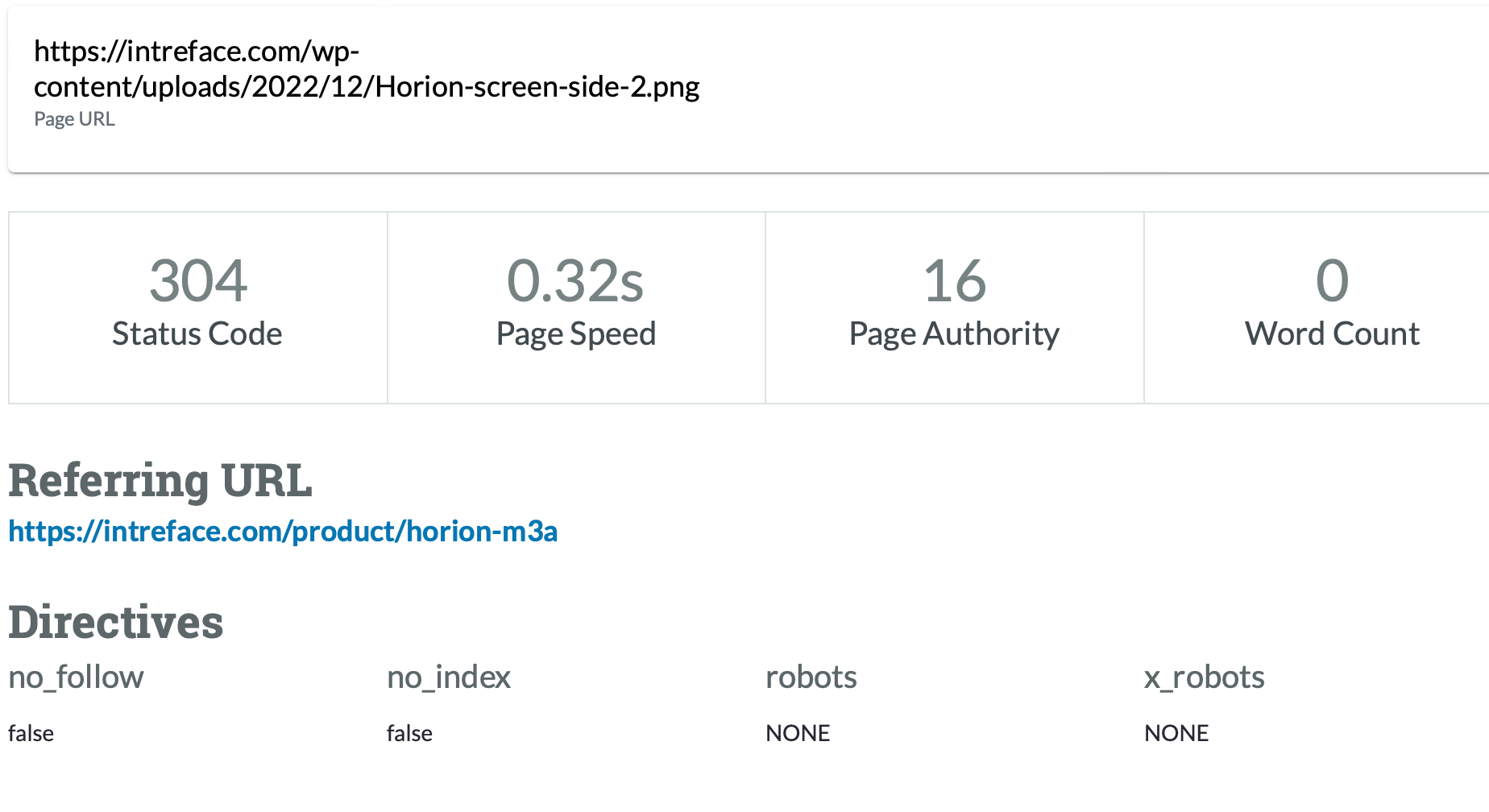
I have messaged to MOZ Support but they recommended to go for the MOZ Community!
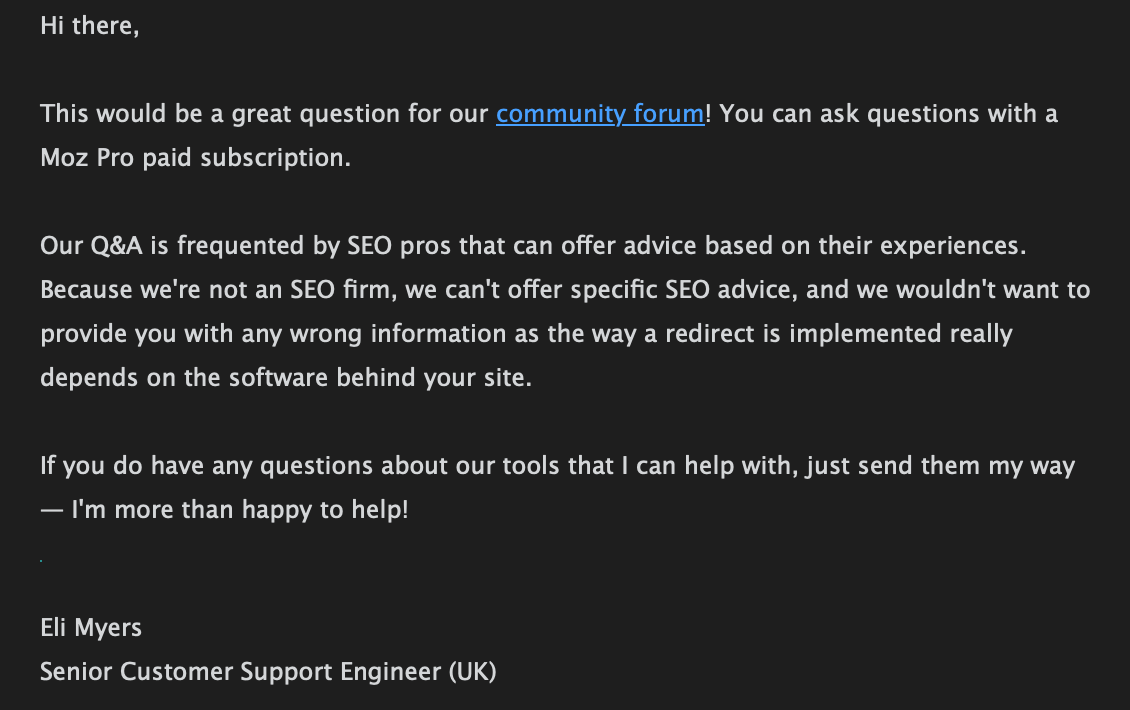
Could you assist me wit this issue please? I can reach HTTML of the necessary page and change what I need for permanent redirection but firstly I need to understand how to do that correctly.
-
@Damian_Ed-0 said in Temporary redirect from 302 to 301 for PNG File?:
Recently I have faced a crawl issue with my media images on website. For example this page url https://intreface.com/wp-content/uploads/2022/12/Horion-screen-side-2.png has 302 HTTP Status and the recommendation is to change it 301. I have read the article on temporary redirections here:
https://a-moz.groupbuyseo.org/learn/seo/redirection?_ga=2.45324708.1293586627.1702571936-916254120.1702571936you can take help from SEO expert
-
I was facing the same issue on my WordPress Local Electric service based website. Then I used 301 Plugin. This is the best plugin. I installed it and simply redirected my old link to the new one and it automatically redirected it to 301 which google recommends.
-
@umar431 could you explain a little more about how to check if Google see this URL as 302 or 301?
@umar431 said in Temporary redirect from 302 to 301 for PNG File?:
Only if Google thinks you used a 302 redirect by mistake for a permanent move does this not happen. In that case, it treats the redirect as a 301.
-
Only if Google thinks you used a 302 redirect by mistake for a permanent move does this not happen. In that case, it treats the redirect as a 301. This means it indexes the new URL instead and consolidates link signals there.
you can visit my website for blue whatsapp
Got a burning SEO question?
Subscribe to Moz Pro to gain full access to Q&A, answer questions, and ask your own.
Browse Questions
Explore more categories
-
Moz Tools
Chat with the community about the Moz tools.
-
SEO Tactics
Discuss the SEO process with fellow marketers
-
Community
Discuss industry events, jobs, and news!
-
Digital Marketing
Chat about tactics outside of SEO
-
Research & Trends
Dive into research and trends in the search industry.
-
Support
Connect on product support and feature requests.
Related Questions
-
Multilang site: Auto redirect 301 or 302?
We need to establish if 301 or 302 response code is to be used for our auto redirects based on Accept-Language header. https://domain.com
International SEO | | fJ66doneOIdDpj
30x > https://domain.com/en
30x > https://domain.com/ru
30x > https://domain.com/de The site architecture is set up with proper inline HREFLANG.
We have read different opinions about this, Ahrefs says 302 is the correct one:
https://ahrefs.com/blog/301-vs-302-redirects/
302 redirect:
"You want to redirect users to the right version of the site for them (based on location/language)." You could argue that the root redirect is never permanent as it varies based on user language settings (302)
On the other hand, the lang specific redirects are permanent per language: IF Accept-Language header = en
https://domain.com > 301 > https://domain.com/en
IF Accept-Language header = ru
https://domain.com > 301 > https://domain.com/ru So each of these is 'permanent'. So which is the correct?0 -
301 Redirect non existant pages
Hi I have 100's of URL's appearing in Search Console for example: ?p=1_1 These go to on to 5_200 etc.. I have tried to do htaccess and the mod rewrite is on as I can redirect directories to the root i.e RewriteRule ^web_example(.*)$ /$1 [R=301,N,L] However I have tried all kinds of variations to redirect ?p= and either it doesn't work at all or it crashes the website. Can anyone point me in the right direction to fix this.
Technical SEO | | Cocoonfxmedia0 -
301 Redirects Relating to Your XML Sitemap
Lets say you've got a website and it had quite a few pages that for lack of a better term were like an infomercial, 6-8 pages of slightly different topics all essentially saying the same thing. You could all but call it spam. www.site.com/page-1 www.site.com/page-2 www.site.com/page-3 www.site.com/page-4 www.site.com/page-5 www.site.com/page-6 Now you decided to consolidate all of that information into one well written page, and while the previous pages may have been a bit spammy they did indeed have SOME juice to pass through. Your new page is: www.site.com/not-spammy-page You then 301 redirect the previous 'spammy' pages to the new page. Now the question, do I immediately re-submit an updated xml sitemap to Google, which would NOT contain all of the old URL's, thus making me assume Google would miss the 301 redirect/seo juice. Or do I wait a week or two, allow Google to re-crawl the site and see the existing 301's and once they've taken notice of the changes submit an updated sitemap? Probably a stupid question I understand, but I want to ensure I'm following the best practices given the situation, thanks guys and girls!
Technical SEO | | Emory_Peterson0 -
Sudden drop in Rankings after 301 redirect
Greetings to Moz Community. Couple of months back, I have redirected my old blog to a new URL with 301 redirect because of spammy links pointed to my old blog. I have transfer all the posts manually, changed the permalink structure and 301 redirected every individual URL. All the ranking were boosted within couple of weeks and regained the traffic. After a month I have observed, the links pointed to old site are showing up in Webmaster Tools for the new domain. I was shocked (no previous experience) and again Disavowed all links. Today, all the positions went down for new domain. My questions are: 1. Did the Disavow tool worked this time with new domain? All the links pointed to old domain were devaluated? Is this the reason for ranking drop? Or 2. 301 Old domain with Unnatural links causes the issue? 3. Removing 301 will help to regain few keyword positions? I'm taking this as a case study. Already removed the 301 redirect. Looking for solid discussion.Thanks.
Technical SEO | | praveen4390 -
Can you 301 redirect a page to an already existing/old page ?
If you delete a page (say a sub department/category page on an ecommerce store) should you 301 redirect its url to the nearest equivalent page still on the site or just delete and forget about it ? Generally should you try and 301 redirect any old pages your deleting if you can find suitable page with similar content to redirect to. Wont G consider it weird if you say a page has moved permenantly to such and such an address if that page/address existed before ? I presume its fine since say in the scenario of consolidating departments on your store you want to redirect the department page your going to delete to the existing pages/department you are consolidating old departments products into ?
Technical SEO | | Dan-Lawrence0 -
How long should I keep 301 redirects?
I have modified a the URL structure of a whole section of a website and used mod_rewrite 301 redirect to match the new structure. Now that was around 3 months ago and I was wondering how long should I keep this redirect for? As it is a new website I am quite sure that there are no links around with the old URL structure but still I can see the google bot trying from time to time to access the old URL structure. Shouldn't the google bot learn from this 301 redirect and not go anymore for the old URL?
Technical SEO | | socialtowards0 -
How long will Google take to stop crawling an old URL once it has been 301 redirected
I need to do a clean-up old urls that have been redirected in sitemap and was wondering about this.
Technical SEO | | Ant-8080 -
How to safely reduce the number of 301 redirects / should we be adding so many?
Hi All, We lost a lot of good rankings over the weekend with no obvious cause. Our top keyword went from p3 to p12, for example. Site speed is pretty bad (slower than 92% of sites!) but it has always been pretty bad. I'm on to the dev team to try and crunch this (beyond image optimisation) but I know that something I can effect is the number of 301 redirects we have in place. We have hundreds of 301s because we've been, perhaps incorrectly, adding one every time we find a new crawl error in GWT and it isn't because of a broken link on our site or on an external site where we can't track down the webmaster to fix the link. Is this bad practice, and should we just ignore 404s caused by external broken URLs? If we wanted to reduce these numbers, should we think about removing ones that are only in place due to external broken URLs? Any other tips for safely reducing the number of 301s? Thanks, all! Chris
Technical SEO | | BaseKit0